How WAG works
Play CS2, let WAG process your matches, earn internal WAG points for your individual performance, and exchange those points for coins in MVP Chill&Gaming Space. More exchange options are planned for the future.
How points are calculated
Each player is evaluated separately. If you and your friend played the same match, both of you receive individual rewards based on your own contribution, not on the team as a whole.
WAG Points = round(
              1 * Kills
              + 0.5 * Deaths
              + 0.75 * Assists
              + 1.5 * MVPs
              + 0.01 * ADR
              + 0.005 * HS%
              + 1.5 * Bomb Plants
              + 1.5 * Bomb Defuses
            )
The score uses your personal match data such as kills, assists, damage and other parsed performance stats. We will publish the exact coefficient version here after the scoring formula is finalized.
Steam matches
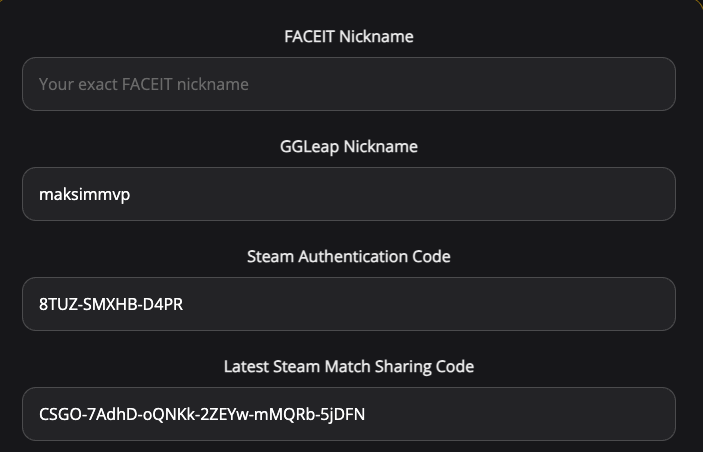
Steam matches can be processed automatically after you connect your Steam match history data.
Save Steam data
Make sure your Steam Authentication Code and latest Match Sharing Code are saved in User Info.
Play supported modes
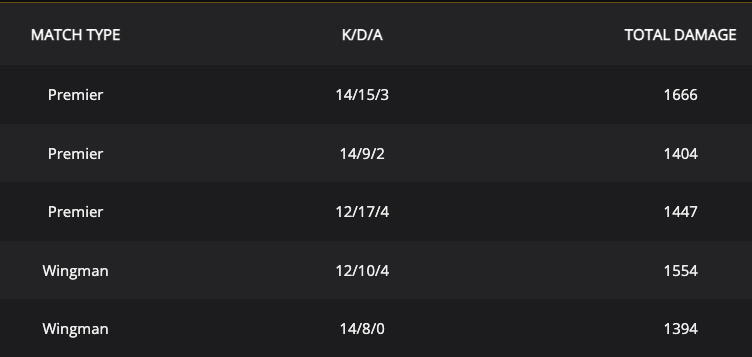
WAG currently evaluates Premier, Competitive and Wingman matches.
Wait for processing
After the match ends, it should appear in your Matches page. Sometimes logout/login helps refresh the list.
FACEIT matches
FACEIT does not currently allow fully automatic demo downloading in the same way as Steam. For now, WAG uses a semi-automatic flow through the WAG FACEIT widget.
Verify WAG on FACEIT
Log in to FACEIT, open the WAG Faceit widget, and confirm your account through the WAG website.
Upload match overview
Open any played FACEIT match, go to Overview, then use the Upload to WAG button at the bottom.

Exchange points
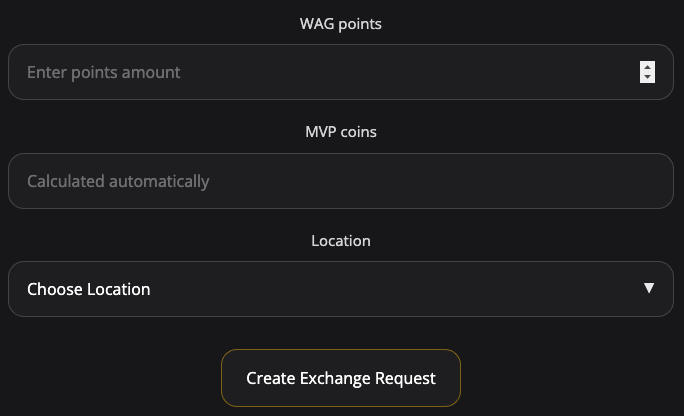
You can exchange earned WAG points for coins inside MVP Chill&Gaming Space. Coins can then be used in the arena system, including for gaming hours.
1200 WAG = 100 coins
This is the current exchange rate.
Choose your arena
Select the MVP Chill&Gaming Space where you want the exchange to be credited.
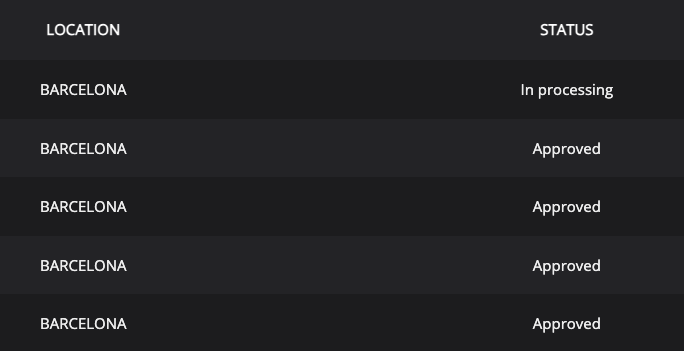
Admin approval
Exchange requests are processed manually by arena administrators.